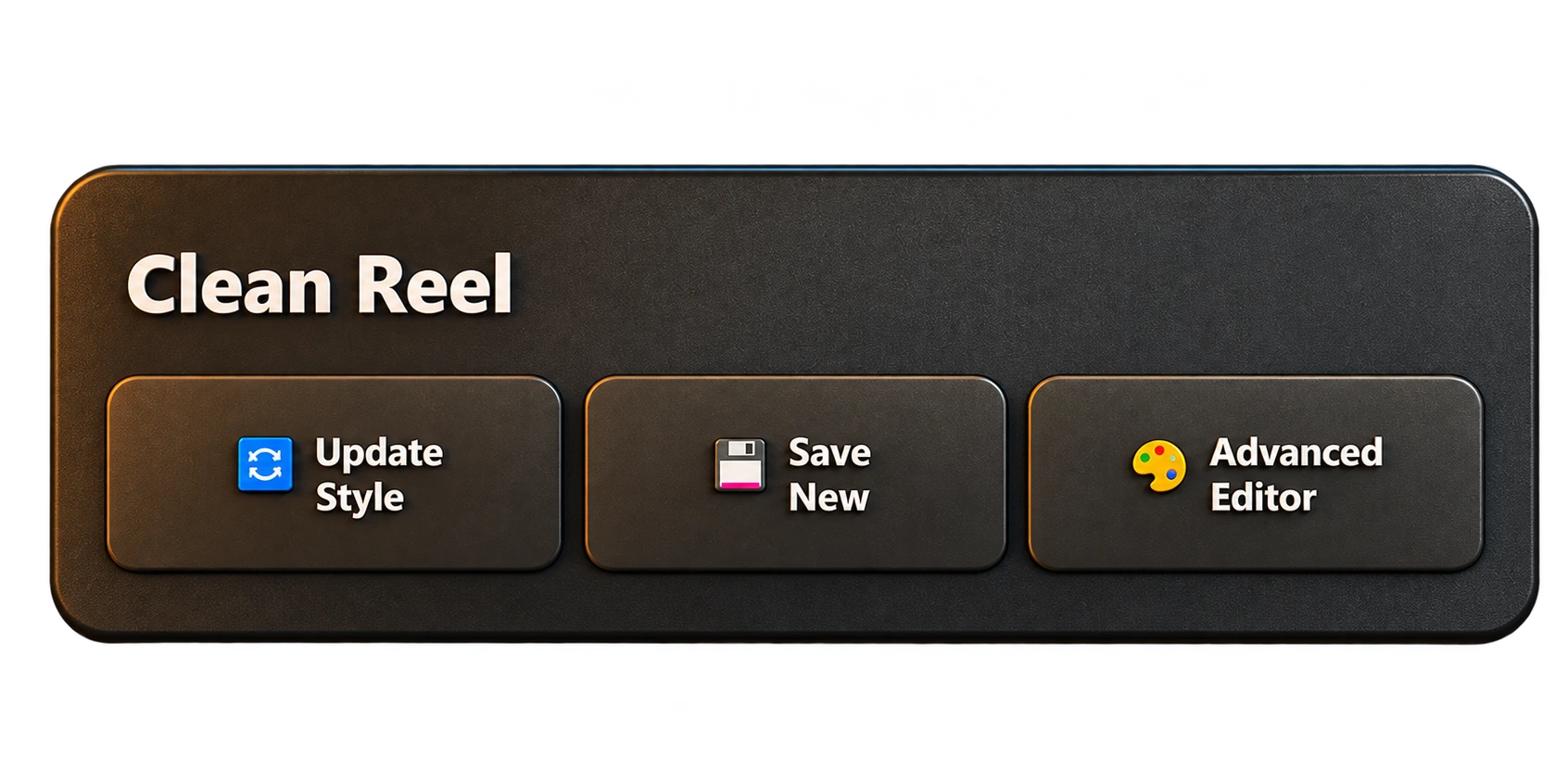
02 · Style Management
Find your style.
Make it yours.
Save New stores a new preset. Update Style updates the current one. Advanced Editor opens the detailed settings.
Turn your words into the moment everyone remembers. 62 animations, 8 text styles, and a faster subtitle workflow.
From the first word to the final frame. Everything you need to give your captions a signature look.
Style, animate, and fine-tune your captions in one place. Stay in your creative flow.
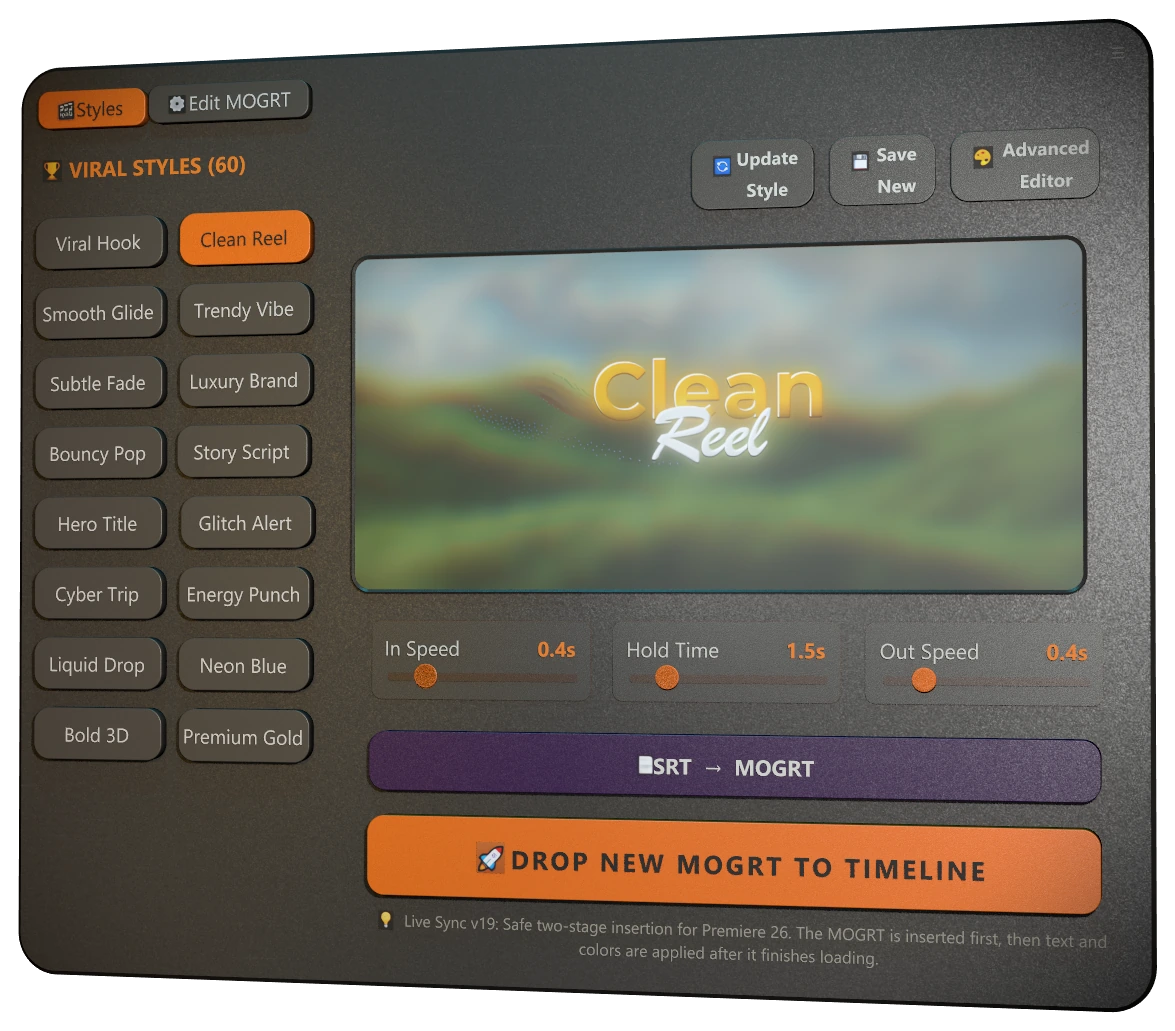
Choose your look, adjust the timing, and send your captions straight to the timeline. Your next edit starts here.
Save New stores a new preset. Update Style updates the current one. Advanced Editor opens the detailed settings.
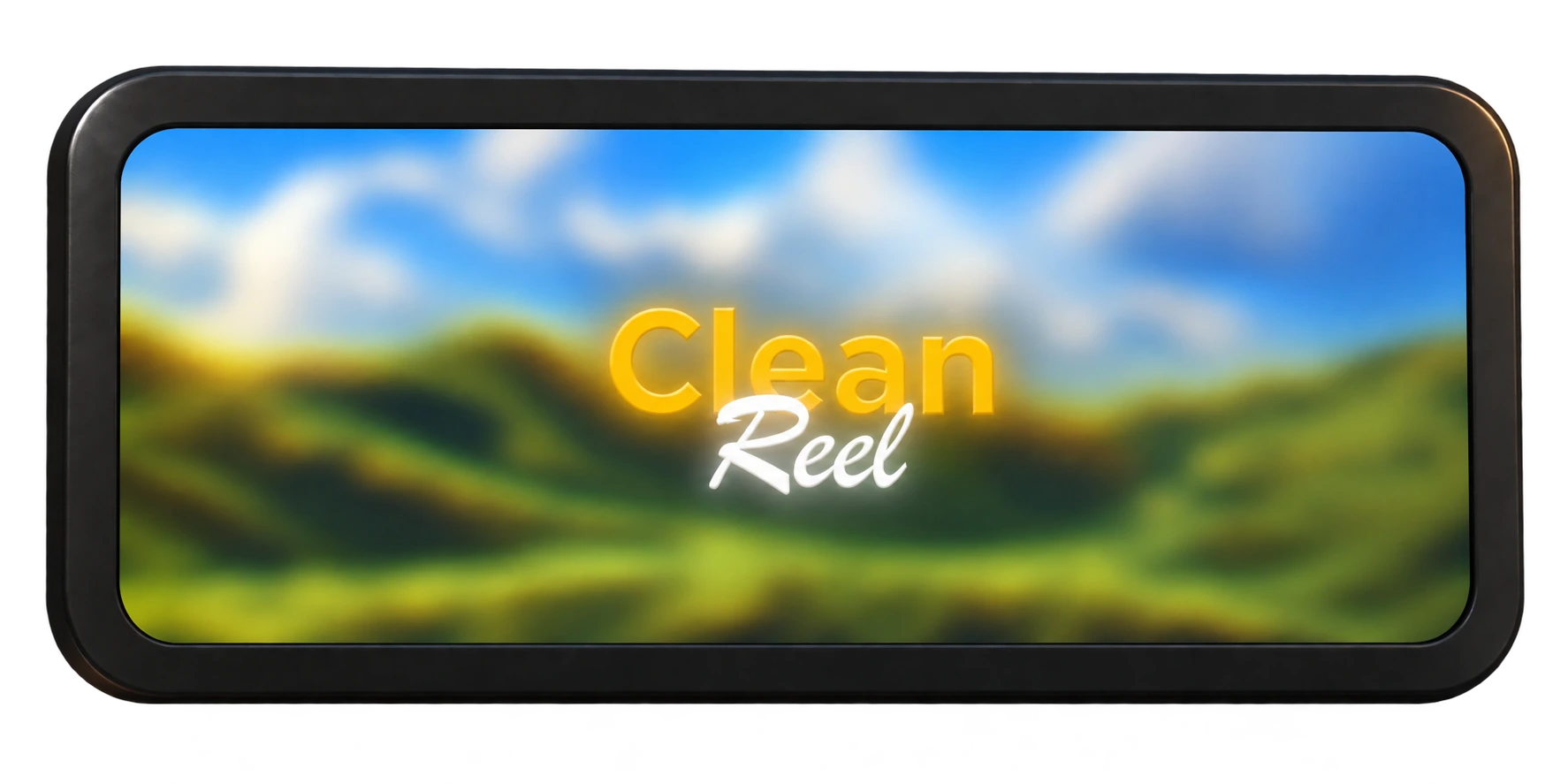
Give every word its own character. Combine text styles, color, and motion to make the edit feel unmistakably yours.
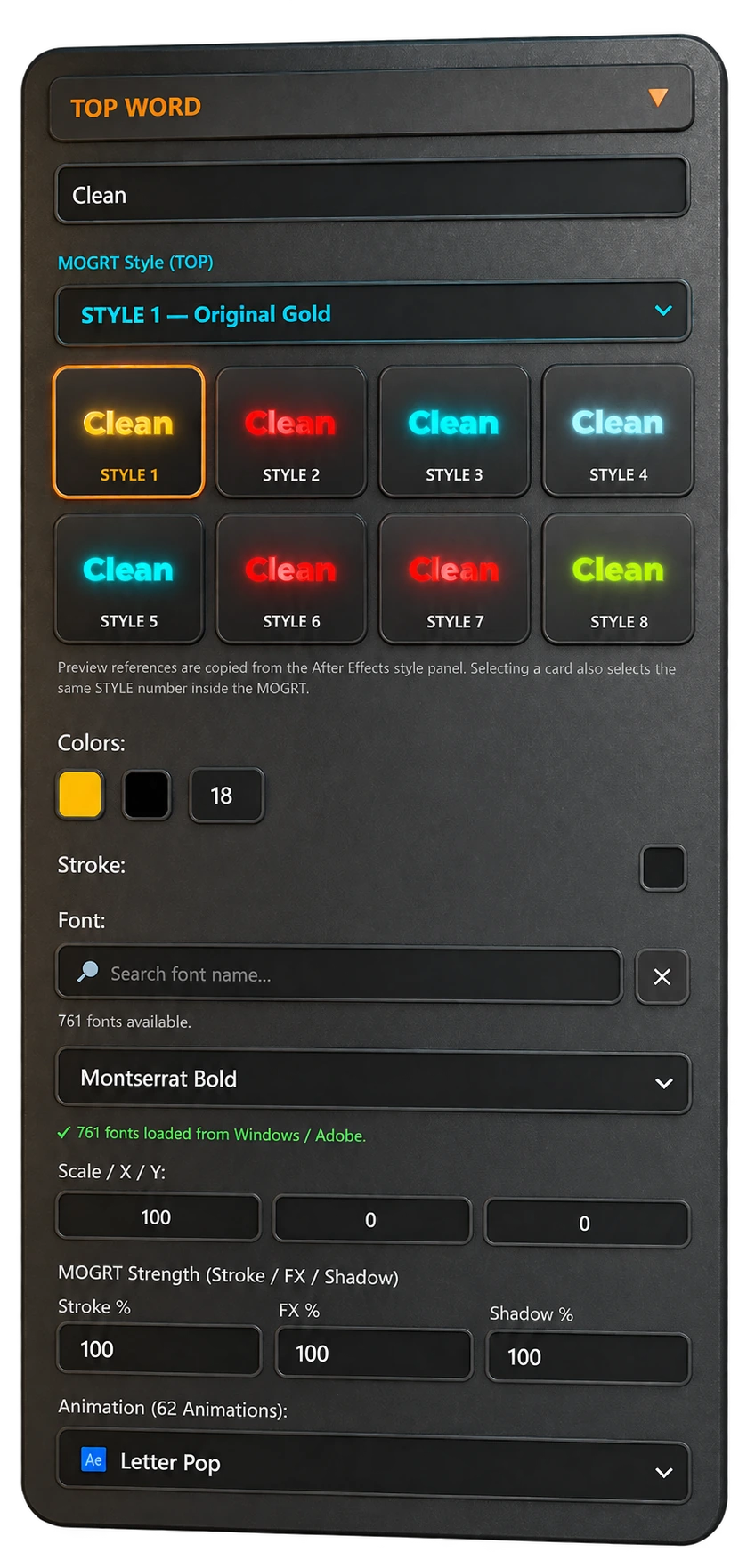
Change the font, colors, stroke, scale, position and effect strength, then choose from 62 animation options.
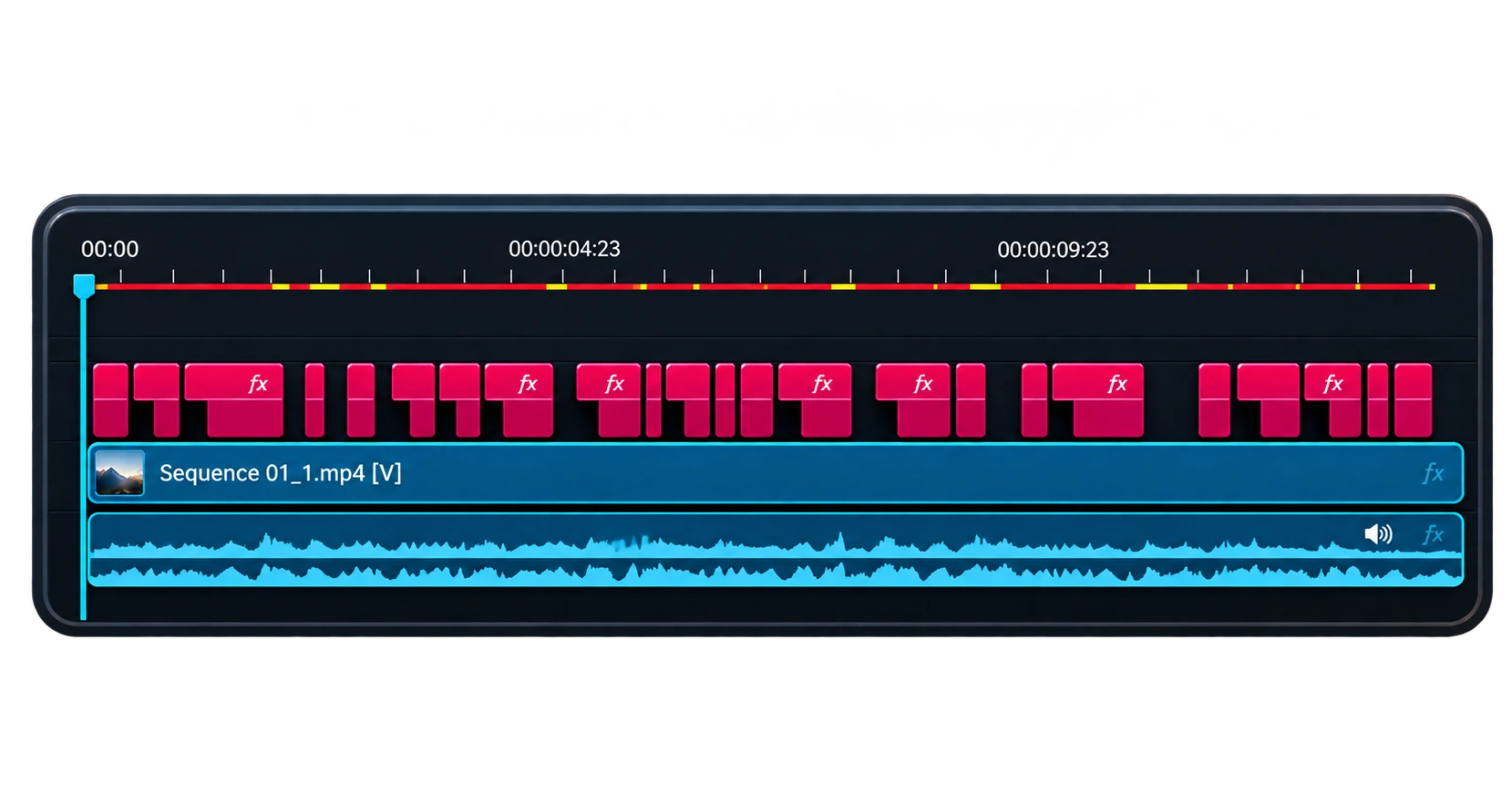
SRT → MOGRT is one complete workflow. Import your SRT file and Fast Auto Motion automatically creates the subtitle MOGRT clips on the Premiere Pro timeline, keeping the subtitle timing while applying your selected style and animation.
Buy one Adobe version, or get both together in the complete bundle.
After Effects $15 $10 · Premiere Pro $15 $10 · Complete Bundle $20 $15.
Fast Auto Motion for editors who work mainly inside After Effects.
Fast Auto Motion for editors who want the subtitle workflow directly in Premiere Pro.
Get both versions together in one complete pack for the full Adobe workflow.
Launch discount is active on all three plans for a limited time. One-time purchase. 14-day refund request window. By purchasing, you agree to our Terms of Service and acknowledge our Privacy Policy.
After Effects and Premiere Pro purchases include Windows and Mac downloads for the purchased app. The Complete Bundle includes Windows and Mac versions of both apps plus the combined installer. Your license stays the same when you reload the receipt page.
Yes. You can submit a refund request within 14 calendar days of purchase through Paddle Buyer Support or your purchase receipt. For details and your statutory rights, see our Refund Policy.
After purchase, the customer receives a license key. The plugin can verify that license and limit the number of active devices.
Device activation limits will be listed with the final license terms before purchase.
Yes. Caption text stays editable in the MOGRT workflow, so you can adjust the words as your edit evolves.